

An immersive horror web experience built for a Halloween Hackathon, rewarding slow exploration and mood-driven UI.
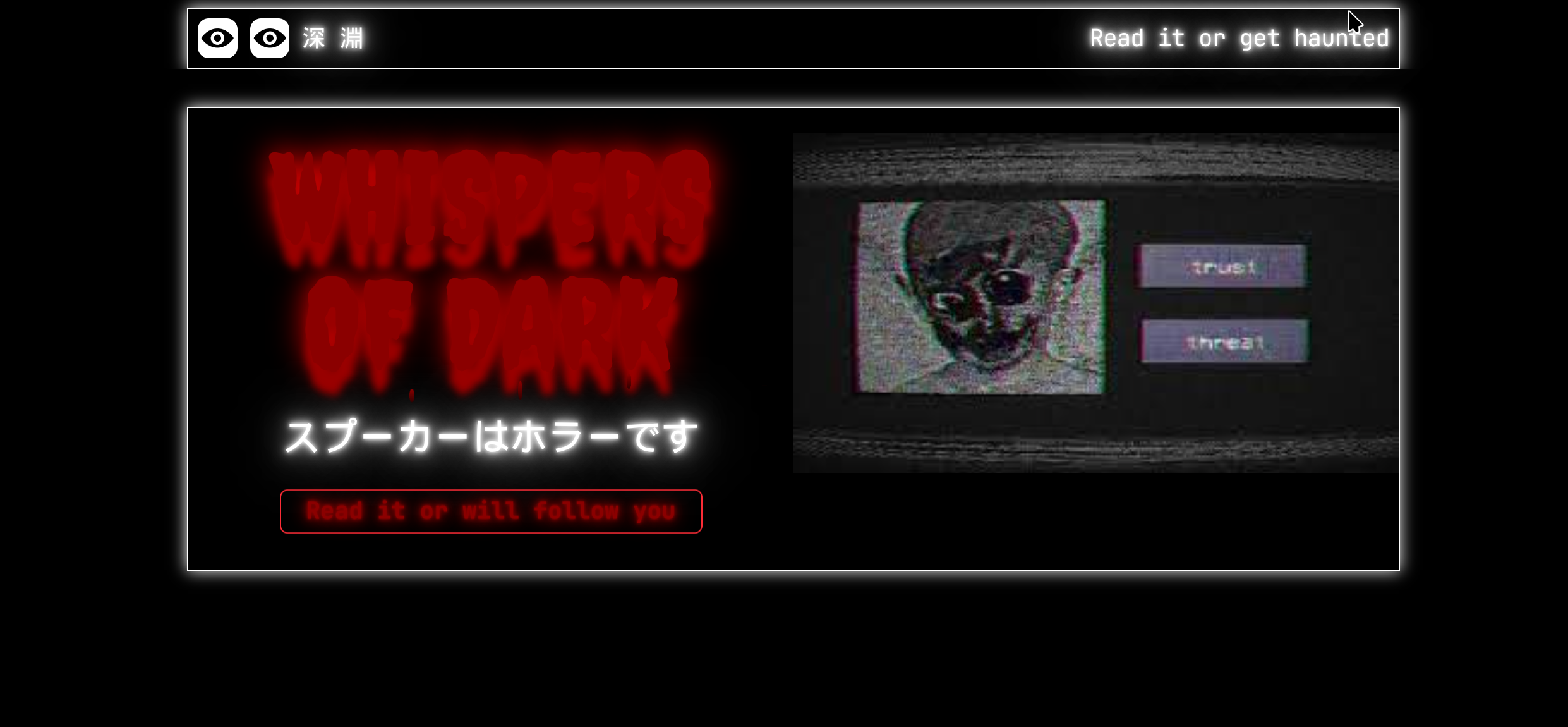
Abyss
I built Abyss as my Halloween Hackathon submission — a short, immersive horror web experience that rewards slow exploration and mood-driven UI.
About The Project
Abyss is a compact horror experience designed to feel unsettling without relying on jump scares, leaning instead on slow pacing, layered animation, and ambient sound to build atmosphere. It was built and shipped within a short hackathon window.
Key Features
- Creates a horror environment with slow, deliberate pacing
- Haunting, layered animations and visual transitions
- Ambient audio and subtle sound cues to set tone
- Responsive layout with accessible navigation
- Built with Next.js, React, Tailwind CSS, and shadcn/ui; tooling via Bun
- Live demo on Vercel and source code on GitHub
Development Progress
Overall Progress100%
Project development is complete and ready for production use.
Technology Stack
Motivation
I wanted to try a hackathon for the first time and experiment with mood-driven UIs, so I created Abyss. The goal was simple: make a short, eerie experience that rewards slow reading and careful interaction.
- Have a look at the project and read the contents slowly, hehe
- Explore how layout, motion, and sound combine to create atmosphere
- Build a compact, production-ready demo during a short hackathon window
- Experiment with small UI patterns that produce a larger emotional effect
Development Journey
- Started as a hackathon entry, with focused development over a short, intense period.
- Iterated on layered animations and ambient audio to refine mood.
- Polished transitions and accessibility to make the experience feel smooth across devices.
Problems Faced
-
Atmosphere Tuning : Balancing visuals, motion, and sound so the experience feels unsettling without overwhelming the user.
-
Performance : Keeping animations smooth on low-end devices required careful CSS and image optimization.
-
Audio Sync & UX : Subtle audio cues had to be timed to UI transitions to avoid breaking immersion.
-
Time Constraints : Hackathon timeboxing forced prioritization — focusing on high-impact details over feature bloat.
Key Learnings
-
Small Patterns, Big Impact : Tiny UI choices — pacing, spacing, and subtle motion — can drastically change the emotional tone.
-
User-Focused Iteration : Getting quick feedback and iterating on interactions mattered more than adding extra features.
-
Tooling & Deployment : Using Bun for fast local tooling and Vercel for deployment made iteration and sharing trivial.
-
Design Restraint : Keeping interactions minimalist helped the atmosphere; sometimes less is more.