

are you sure your secrets are safe?
a guide to not committing a software felony.

hey so just like the title suggests are you sure your secrets are safe from getting pushed onto github? let's find out gals/guys.
almost 28 million secrets were leaked last year alone. yeah. twenty eight million.
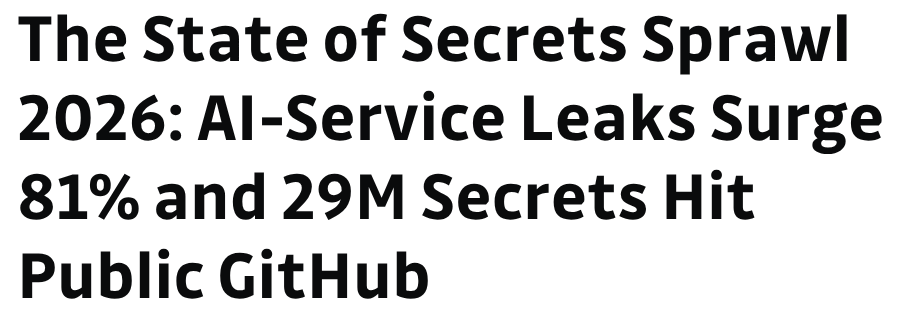
the felony charts
as a software dev / indie hacker / vibecoder (especially you guys) the worst mistake you can make is pushing your api secrets like llm keys db creds external service tokens straight onto github. and the moment you do it congrats you've committed a software felony. ranks number 2 on the charts.
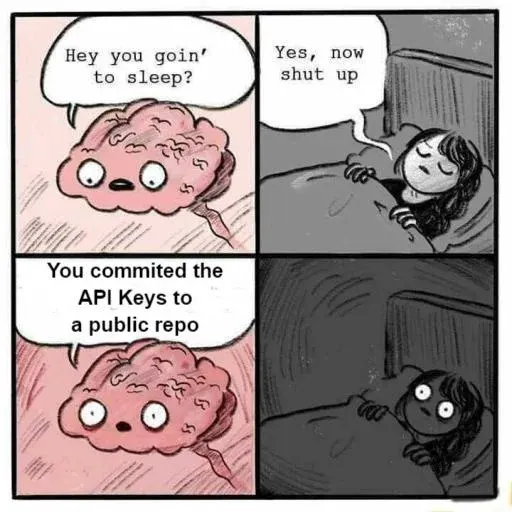
number 1 obviously is pushing your node_modules.

who's actually writing this code anyway
in this agentic vibe coding era most people have stopped writing code and most of what's landing on github is ai generated. don't believe me? here's my source

just kidding. here's the real one coderabbit.ai state of ai vs human code generation. ~80% of code pushed to github these days is ai written. which coincidentally might explain why github has been down so much lately. coincidence? probably. but funny.
and because ai is writing most of your code now in roughly 6 out of 10 cases it'll happily push your .env file right along with it and most of us don't even notice. why? because we're

and because we ignore emails. yes github does email you the second a secret gets pushed and flagged. we just don't read it. cherry on top some guy sitting halfway across the world exploits your leaked api keys burns through the credits you paid for and then you go complain to the ai company asking why your usage spiked overnight. 🤣
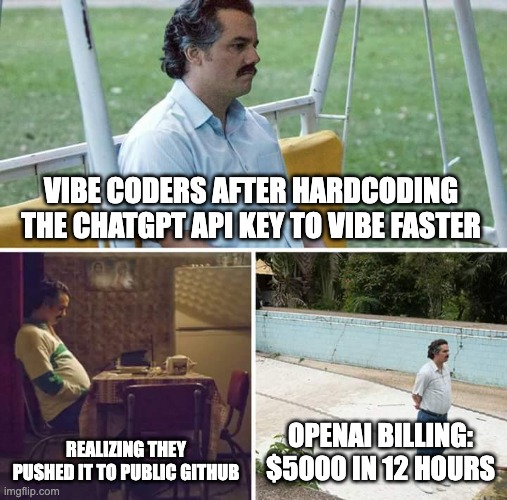
oh and there's a website that literally compiles every leaked secret pushed to github in real time so anyone can go grab them. someone built that. on purpose. such a good guy. this is true open source. 🤣
enters the holygrail - gitleaks
now that we're all suitably paranoid let's talk prevention going from the naive fix to handling this like a pro so you don't get walked out of the building by hr.
there are a bunch of tools for this but we're focusing on gitleaks.
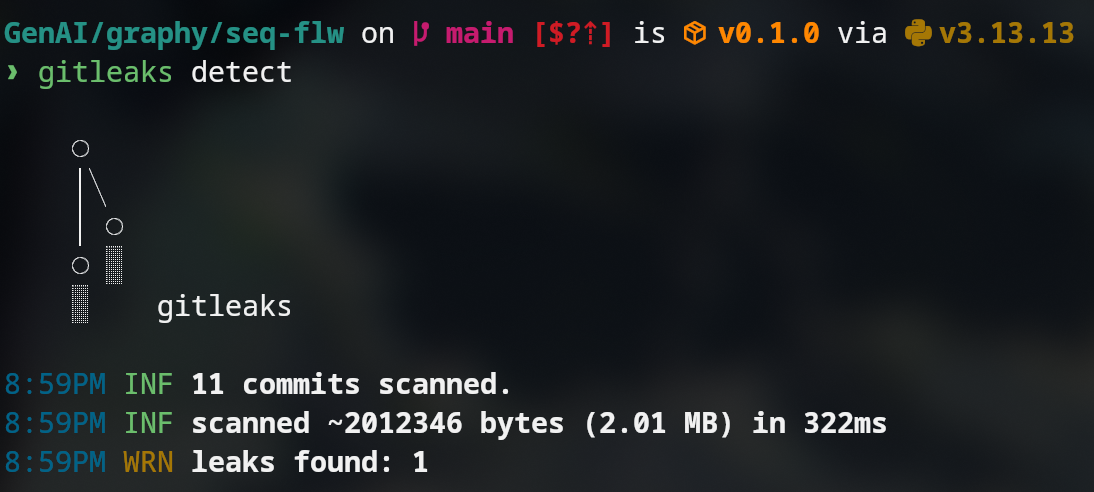
here's a demo run it scans your commits and flags anything that looks like a secret
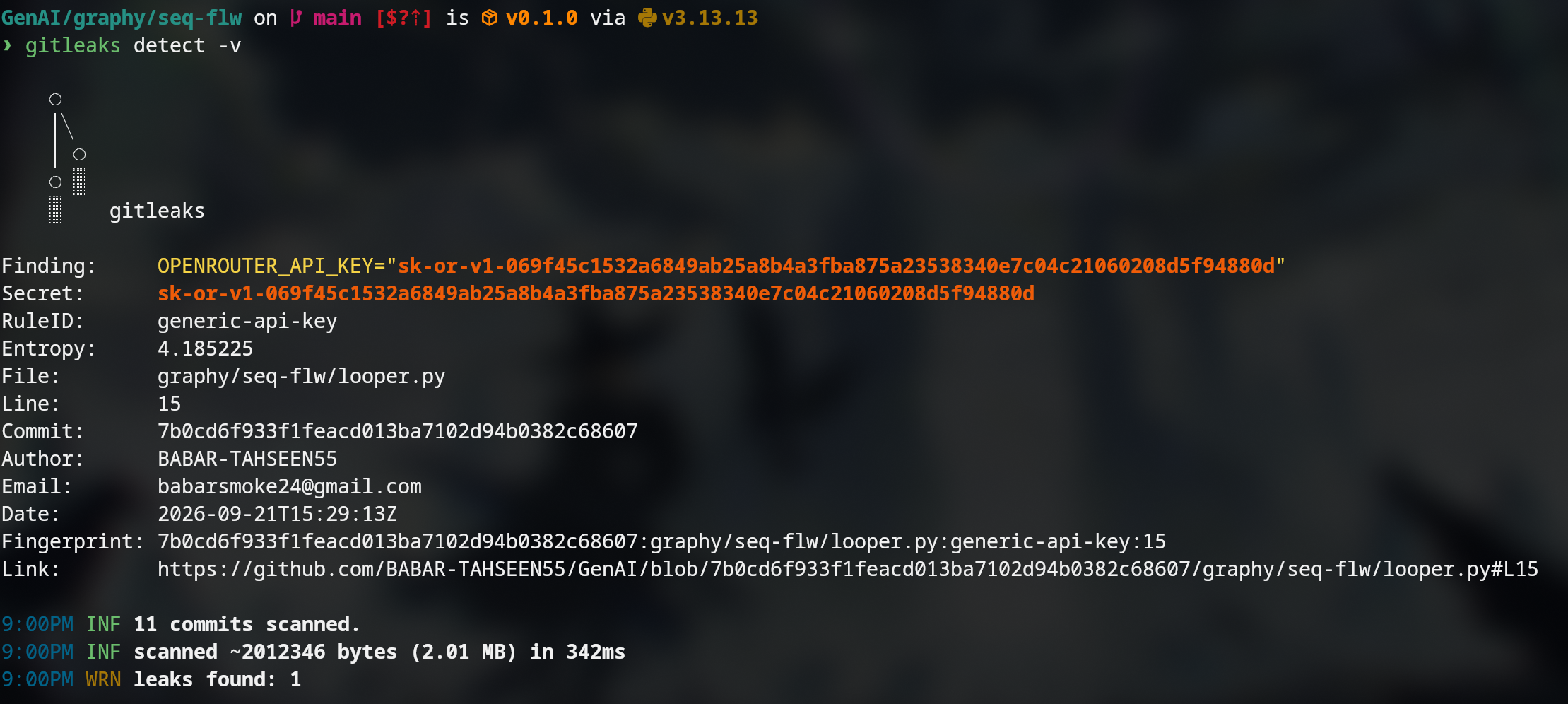
Disclaimer: what did you think you'd go use my openrouter key since it's exposed to literally millions of people now? go ahead try it lil bro 🤣 (ps it's expired. nice try.)
gitleaks shows you everything the date who committed it which repo all of it. and the golden rule the moment a secret is pushed it's time to rotate it. no exceptions no "it's probably fine."
the scenarios
let's actually walk through what to do situation by situation.
scenario 1: the secret hasn't been pushed yet
easiest case. assuming your head is at the commit where the secret exists soft reset back one commit remove the leaked code re add re commit. done. sorted.
(only rebase when the code isn't pushed yet keep that rule tattooed somewhere.)
scenario 1.1: it's pushed and you've committed on top of it
now you can't just soft reset that'll unstage everything above it too. time to bring in interactive rebase to edit that specific commit.
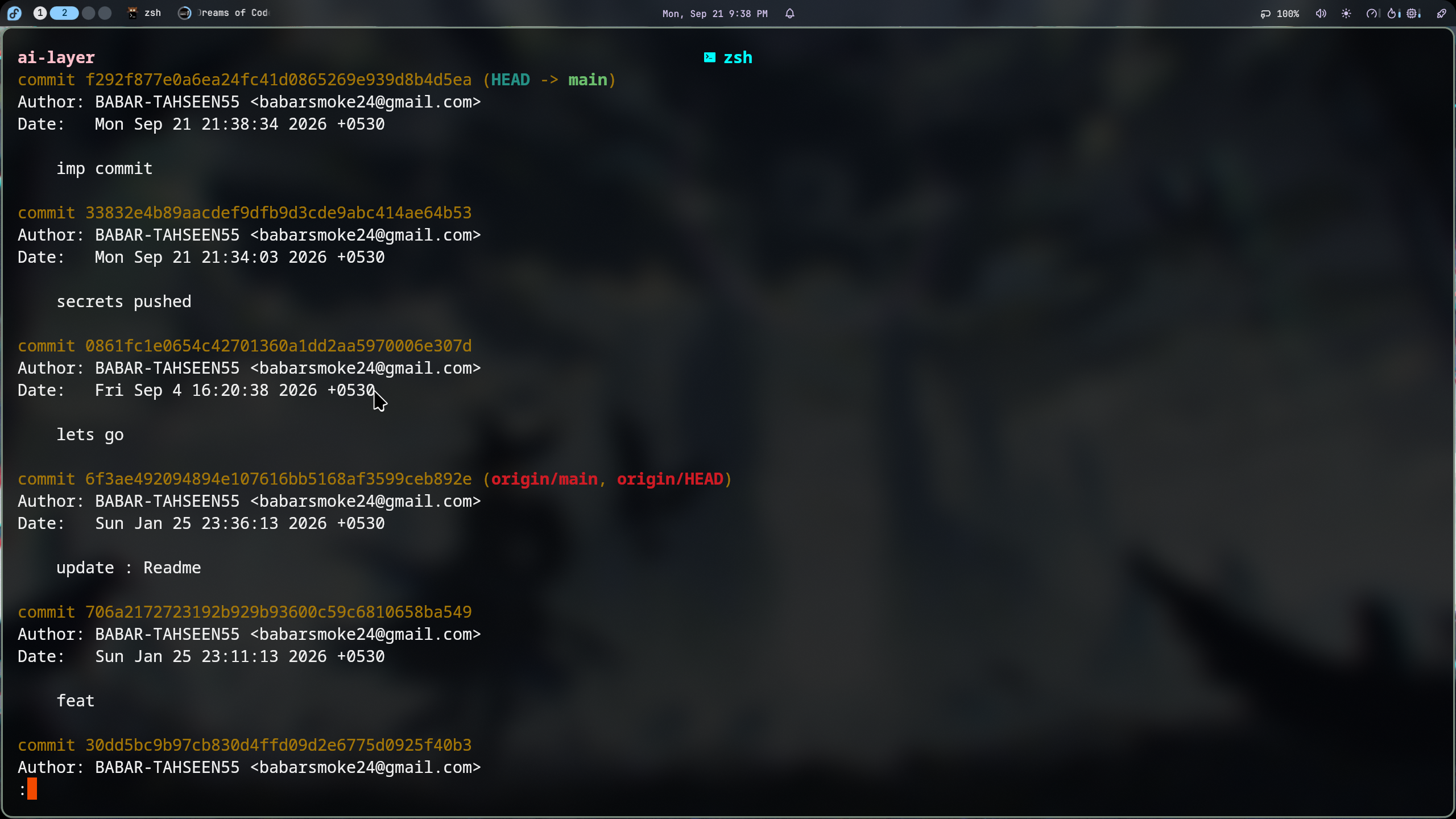
grab the commit hash where the secret lives then interactively rebase from there and amend it out. it'll technically still hang around in git's garbage collector for a bit but locally and it self destructs after 90 days if you're curious enough to check git reflog and see the amended hash sitting there like evidence at a crime scene.
scenario 2: it's pushed and there's real history now
if you're the sole contributor on a private repo git push --force and walk away like nothing happened.
if it's a public repo though? github's history will still have the bad commit sitting there and anyone can git fetch <hash> it directly. your secret is already compromised full stop force push or not.
at this point you need to actually assess the damage
- what services does this key touch?
- was there unauthorized access?
- what permission level did this key have?
and then rotate the credentials. yes all of them.
(they tell you "never rebase on main." we rebase on main anyway. rock and roll.)
rotation can cause downtime though so here's how to minimize that
- generate the new secret first
- revoke / discard the old one
- inject secrets at runtime instead of hardcoding them

or use a proper secret manager. or dotenv style runtime injection depending on your stack.
the bonus solution: just don't let it happen
the actual pro move is a pre commit hook that runs gitleaks before every single commit so a leak never even makes it in.
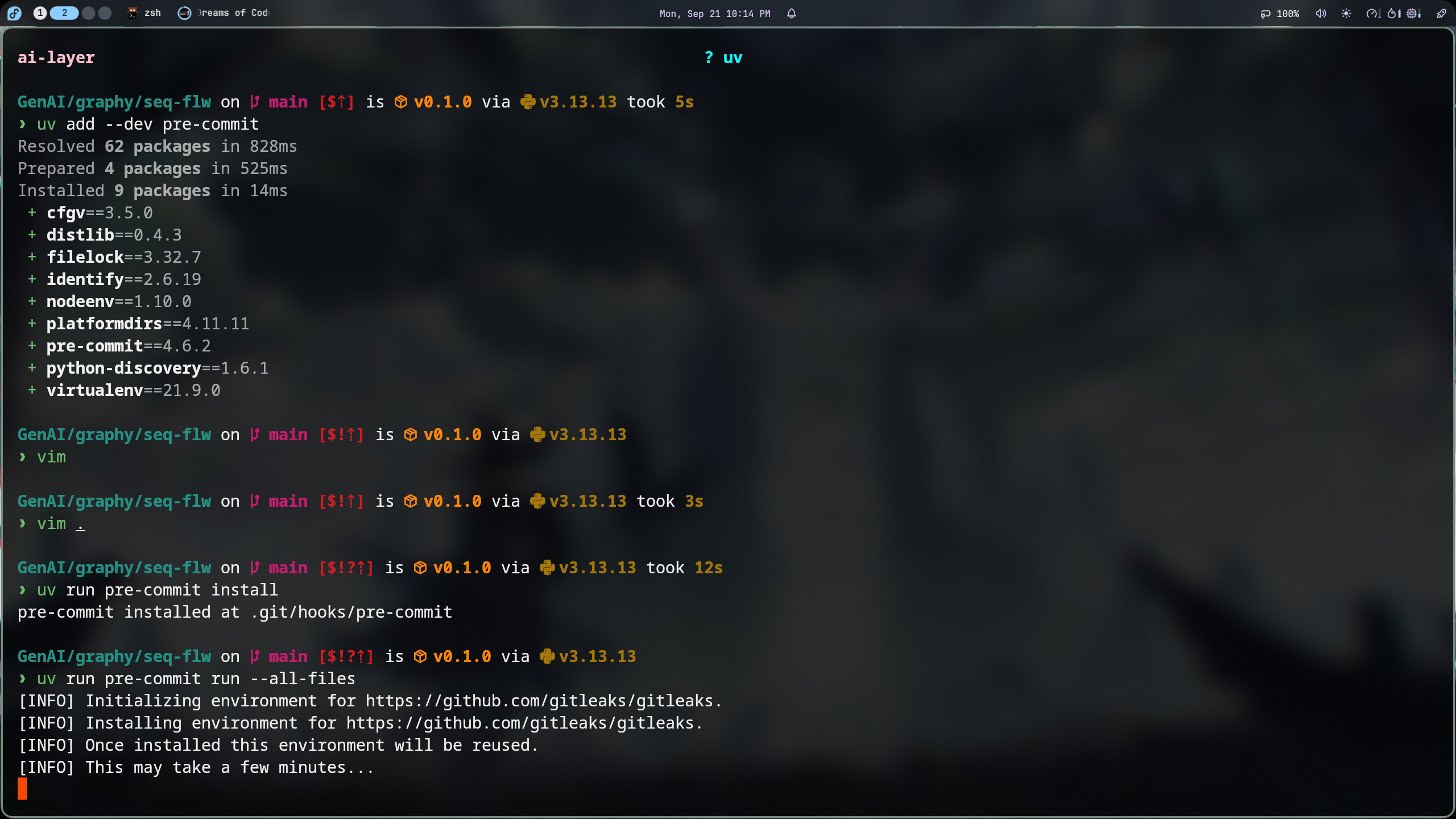
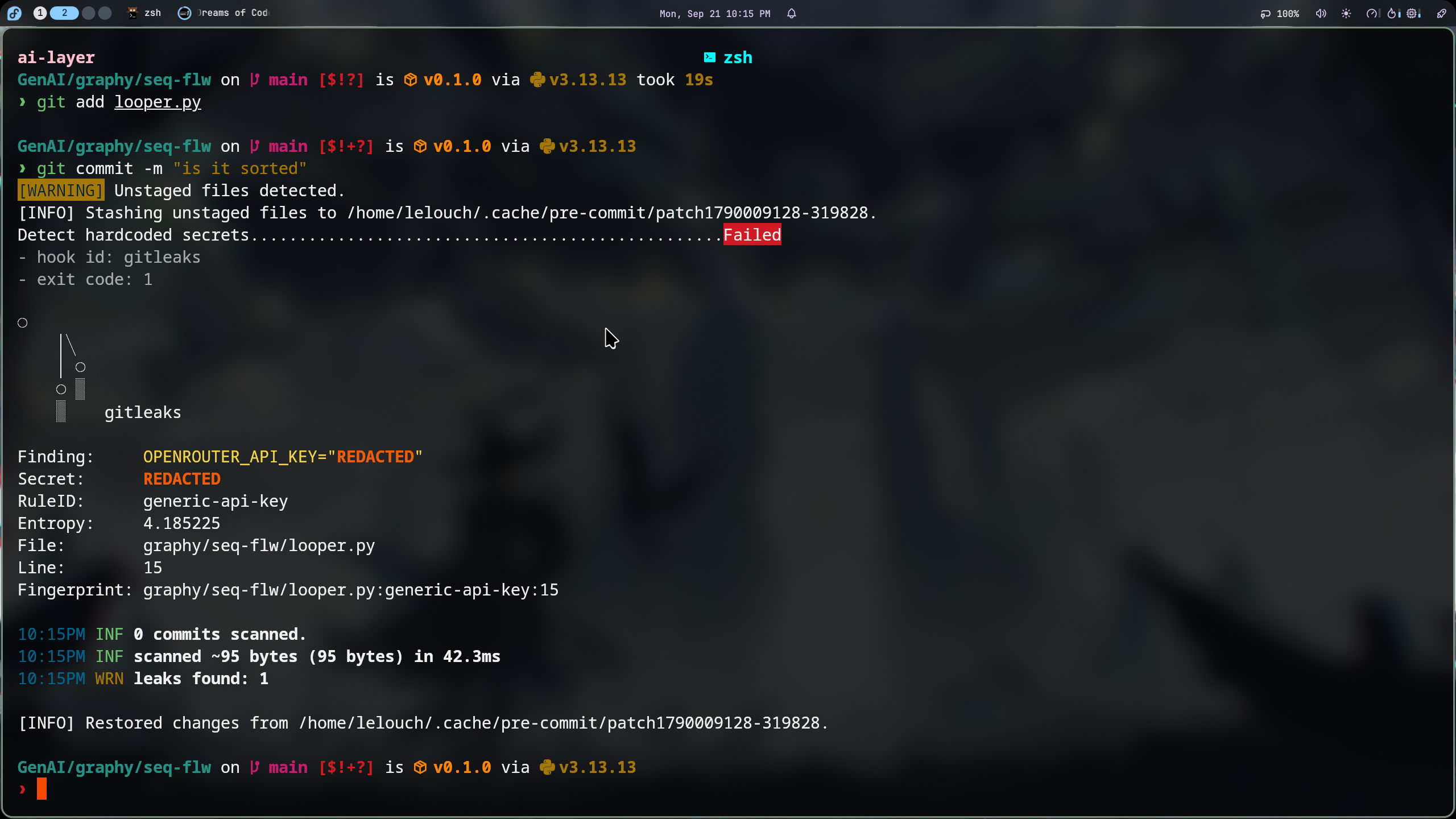
here's the setup
# 1. Install pre-commit
uv add --dev pre-commit

# 2. Create .pre-commit-config.yaml
repos:
  - repo: https://github.com/gitleaks/gitleaks
    rev: v8.28.0
    hooks:
      - id: gitleaks
        stages: [pre-commit]

# 3. Install the Git hook
uv run pre-commit install
# → pre-commit installed at .git/hooks/pre-commit

# 4. Test it
uv run pre-commit run --all-files
# or just try a commit:
git add .
git commit -m "test"
if gitleaks finds something the commit gets blocked flat out
gitleaks........................................................Failed
no secret sneaks past. not even the ai written kind.
references removing an already pushed .env
if you need the nuclear option here's the raw commands
remove .env from the repo
git rm -r --cached .envthat alone doesn't erase it from history though anyone digging through past commits can still find it. to wipe it from history entirely
git filter-branch --index-filter "git rm -rf --cached --ignore-unmatch .env" HEAD
git push --force
final words
so yeah that's the whole rundown. set up gitleaks add the pre commit hook stop ignoring github's security emails and for the love of god rotate your keys the second they leak instead of hoping nobody notices.
go check your repos. right now. i'll wait.
see you in the next one.